
PHOTO WORKSPACE
Crop and size a visa photo in your browser.
Choose the exact document preset, adjust an existing photo, then download a JPG or a 4 × 6 inch print sheet. Check the linked authority's rules before submitting: this tool cannot certify that a photo will be accepted.
Photos are processed in your browser.
They are never uploaded to any server.
01 Choose your document
02 Add a photo
Use an original, well-lit photo with your full head and shoulders visible.
03 Adjust the crop
Add a photo to start cropping.
Drag the photo to position it. Use the slider to zoom. Arrow keys also move it.
Mark the top of your head and chin to measure head height. This is a manual measurement.
Choose a photo to begin.
Know the specification
Sources reviewed September 12, 2026All sizes below are width × height. Select the preset that matches your receiving office and application route.
| Destination / document | Millimetres | Inches | Pixels / JPG export | Background & head position | Source |
|---|---|---|---|---|---|
| United StatesVisa · DS-160 / DS-1648 | 51 × 51 (official rounded value) | 2 × 2 | 600–1200 square; export 600 × 600 | Plain white or off-white. Top of head, including hair, to chin: 50–69% of photo height. Eye height from the bottom: 56–69%; check it yourself. Taken within 6 months. | US Department of State ↗ Composition requirements ↗ |
| United KingdomVisa / permission · digital photo | Not specified for this digital route | Not specified | At least 600 × 750; export 600 × 750 | Plain light-coloured background. Head, shoulders and upper body visible. Numerical head ratio not specified. Must reflect your current appearance. | UK Visas and Immigration ↗ |
| Schengen area · GermanyVisa · German Missions in the UK | 35 × 45 | 1.378 × 1.772 (converted) | Not specified; export 413 × 531 at 300 ppi | White or off-white. Chin to crown: 32–36 mm; source also states 70–80%. No older than 3 months for this receiving office. | German Federal Foreign Office ↗ |
| JapanPaper visa · Embassy in Serbia | 35 × 45 | 1.378 × 1.772 (converted) | Not specified; export 413 × 531 at 300 ppi | White or single-colour, without shadows, texture or lines. Diagram: head height 34 ±2 mm; top margin 4 ±2 mm. Taken within 6 months. | Embassy of Japan in Serbia ↗ |
| ChinaVisa · paper photo | 33 × 48 | 1.299 × 1.890 (converted) | Paper source does not specify pixels; export 390 × 567 at 300 ppi | White, with no shadows on face or background. Chin to crown: 28–33 mm; head width: 15–22 mm; top space: 3–5 mm. Taken within 6 months. | Chinese Embassy in Iran ↗ |
Conversions: inches = mm ÷ 25.4; print pixels = round(mm ÷ 25.4 × 300). The 300 ppi print setting is this tool's export choice where the source does not prescribe pixels. US 2 inches equals 50.8 mm exactly; the source rounds this to 51 mm. A digital file has no fixed physical size without a print setting.
From phone photo to download
- Choose the exact document. Read its source and requirements. A visa photo and a passport photo may use different rules.
- Position and check. Drag, zoom and measure your head. Background, expression, lighting and photo age need your own review. If the background is unsuitable, retake the photo.
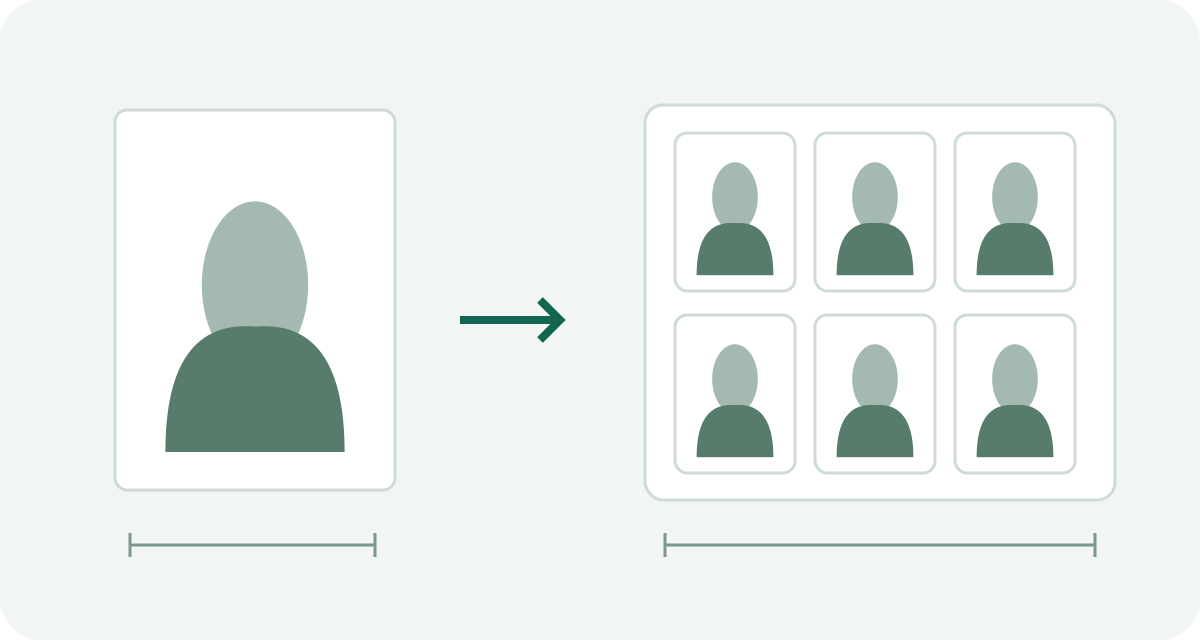
- Save the JPG or print sheet. Print on 4 × 6 inch paper at actual size, with fitting and borderless enlargement turned off. Measure a printed photo before using it.
Photo preparation guides
Start with the question you need answered, then check the official source for your application.
U.S. visa applications
Find the right step: digital upload, DV entry or immigrant visa interview prints.
Other visa destinations
Check the receiving office and application route before choosing a preset.
Prepare the file and print
Understand the background, measurement units and final print size.
Travel disruptions. Check documents first.
Dated explainers, with English, French, Spanish and Chinese versions. These are not live safety notices.