
VISA PHOTO PREPARATION
Singapore visa photo upload: 400 × 514 and the 60 Kbyte rule
ICA’s visa-specific FAQ calls for a JPEG photo of 400 × 514 pixels, no more than 60 Kbytes. Do not substitute the broader file allowance on ICA’s general photo-guidelines page when preparing an entry-visa submission.
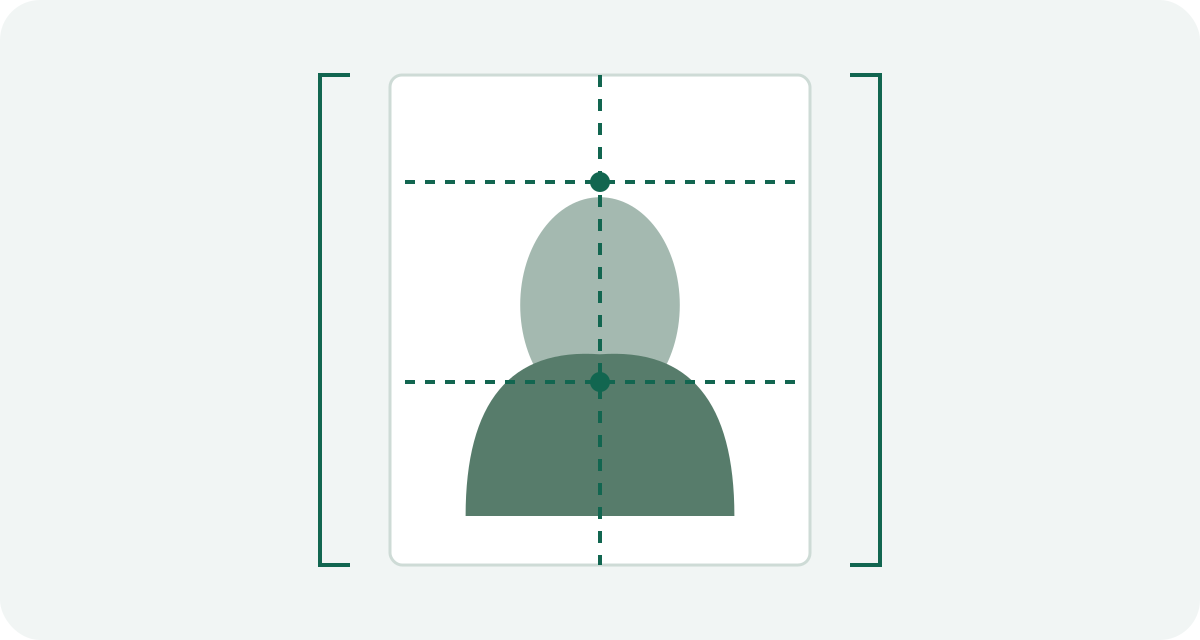
Two official pages answer different questions
The general ICA photo page recommends 400 × 514 pixels and lists several supported formats with an 8 MB limit. The visa-specific FAQ narrows the upload to JPEG and 60 Kbytes. Read the document tied to your application, not just the first official photo page you find.
The visa FAQ also asks for a recent color photograph taken within three months against a white background. Its matte or semi-matte wording concerns the photograph's finish; a JPEG itself has no paper finish.
Prepare the digital file in this order
- Keep the original photograph and confirm its age and suitability.
- Crop to the required portrait frame without stretching the face into a new shape.
- Export a genuine JPEG at 400 × 514 pixels.
- Check the saved file's dimensions and byte size, leaving room below the limit.
- Inspect the exported face for blur or compression damage before selecting it in the application.
If a file is too large, reduce JPEG quality from the original rather than repeatedly saving a damaged copy. If that produces a poor face image, obtain a better original. A file that uploads is not automatically an acceptable photograph.
Why a general “Singapore passport photo” export can fail
A service may use the general ICA format list or a passport workflow. Its export could be a PNG or a JPEG much larger than the entry-visa limit. The label “Singapore” does not tell you which specification the service followed.
Check the actual output against the visa FAQ. Visa Photo Prep does not currently provide a dedicated Singapore preset, so the site should not be treated as a tested 400 × 514 visa exporter.
Check who will submit the application
ICA describes different entry-visa submission channels, including eligible local contacts, authorized visa agents and overseas missions. Ask the party handling your submission for the requirements shown in that route. When a portal or receiving mission shows different instructions, resolve the difference with them before uploading.
A submission checklist should record the route, format, pixel dimensions and file limit together. “The photo is under 8 MB” is not enough information to diagnose a visa upload failure.
Entry visa and arrival card are separate tasks
ICA states that the SG Arrival Card is not a visa. Completing it does not replace an entry visa when one is required. Likewise, a photo requirement found for another ICA service should not be copied into an entry-visa application.
Use the visa-specific official source first, then the instructions of the channel actually submitting your case.
Official sources and preparation notes
- ICA: photograph requirements for a visa application
- ICA: general photo guidelines
- ICA: entry visa requirements
Sources checked October 3, 2026. Prepared by Visa Photo Prep with AI assistance for research and drafting. Calculations and checklists are preparation aids; the receiving authority decides whether a photograph is acceptable. Check the current instructions for your application before submission.
Use the current instructions for your application route; the receiving authority decides whether a photograph is acceptable.
How we distinguish official rules from tool settings · Report a correction