
VISA PHOTO PREPARATION
Can you edit a U.S. visa photo? Cropping, filters and AI
The State Department says a U.S. visa photo must not be digitally enhanced or altered to change your appearance. Prepare the file to meet the upload specification, but do not beautify the face, replace features or generate a new portrait.
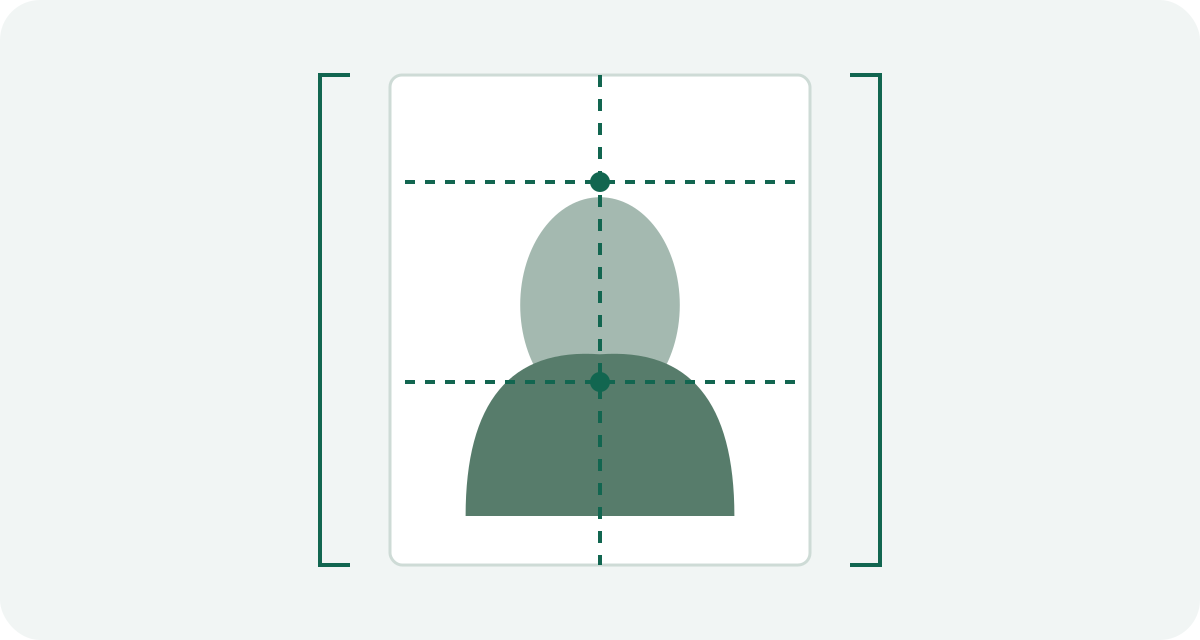
Ask what the edit changes
There are two different jobs hidden inside the phrase “edit my photo.” One is preparing a file: selecting a frame, exporting a JPEG and meeting its size limit. The other changes what the camera recorded: smoothing skin, reshaping a face, replacing hair or inventing missing detail.
The digital specification describes the required file properties. It does not authorize appearance changes. A photograph that looks cleaner after an AI treatment can be less suitable for identification.
A practical decision tree
- The file is too large or the wrong format: work from the original and export a compliant copy. Check the result rather than relying on the filename.
- The frame is wrong: crop only if the original already contains the whole head and enough surrounding space.
- The face is blurred: take another photograph. An AI “restore face” result adds detail the camera did not capture.
- The background is unsuitable: photograph again against a plain white or off-white background with better positioning and light.
- The expression, glasses or shadows are wrong: correct the setup and retake the photograph.
Why not just replace the background?
A background tool can also alter hair, ears and the outline of a face. A white rectangle behind the subject does not prove that those boundaries stayed unchanged. The U.S. guidance gives a required background and prohibits changes to appearance; it does not promise acceptance of every automated background replacement.
Retaking the photo avoids that uncertainty. Use a real suitable background and examine the new image for shadows. This is a preparation recommendation, not a claim that every technical background edit has the same official legal status.
Keep a comparison you can inspect
Save the untouched original separately from the final export. Open both side by side. Check face shape, skin texture, hairline and edges before uploading. If a beauty mode or filter was active while taking the photo, a later export cannot reliably undo it; capture a new original without it.
Do not use a generated suit, an expression replacement or a face swap to turn an unsuitable portrait into an application image. Technical conformity and likeness are separate checks. Passing a portal's automated file check is not evidence that an edited portrait will be accepted.
These recommendations concern U.S. visa photographs. Other countries may explicitly restrict adjustments that applicants regard as harmless. Read the rules for the actual application before using a general photo-editing workflow.
Official sources and preparation notes
- U.S. Department of State: visa photo requirements
- U.S. Department of State: digital image requirements
Sources checked October 3, 2026. Prepared by Visa Photo Prep with AI assistance for research and drafting. Calculations and checklists are preparation aids; the receiving authority decides whether a photograph is acceptable. Check the current instructions for your application before submission.
Use the current instructions for your application route; the receiving authority decides whether a photograph is acceptable.
How we distinguish official rules from tool settings · Report a correction