
VISA PHOTO PREPARATION
U.S. visa photo under 240 kB: a JPEG export checklist
The U.S. digital visa-photo specification requires a square JPEG between 600 × 600 and 1200 × 1200 pixels, no larger than 240 kB. Lowering the JPEG quality setting can reduce file size, but it cannot repair a blurry original or an incorrect crop.
Check the file before compressing it
First look at the actual format, pixel dimensions and file size. A 240 kB PNG is still a PNG. A 400 × 400 JPEG is still below the published pixel range. Changing a filename to end in .jpg does not convert its contents.
Keep your original. Make a separate export and use a filename such as visa-photo-final.jpg so you can identify the file selected in the application. Compression belongs at the end of the preparation process, after composition is settled.
Use one controlled export at a time
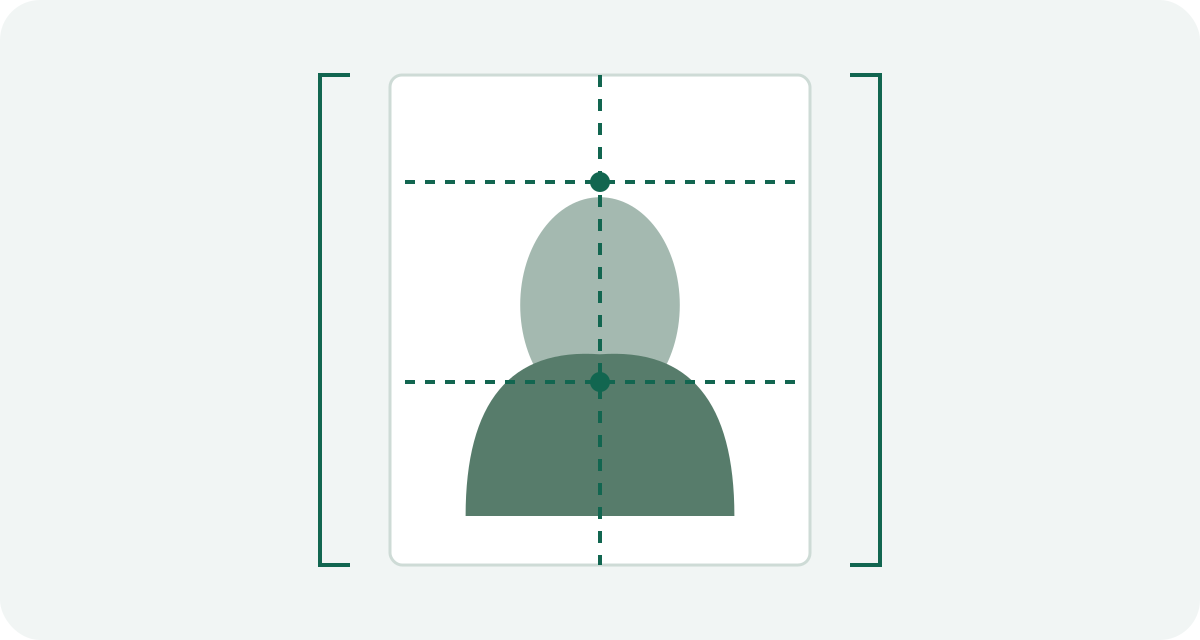
- Crop from the original to a square while retaining the required head position.
- Export at a permitted pixel size in JPEG with the required sRGB color space.
- Inspect the exported file's dimensions and bytes. Stay below the stated cap rather than aiming exactly at its boundary.
- Open that same file and inspect eyes, hair edges and the face for blur or blocky compression.
- If it is too large, repeat the export from the original with a lower JPEG quality setting. Avoid repeatedly saving an already compressed copy.
If a sharp 1200-pixel image remains too large, a fresh 600-pixel export may help while staying within the published dimensions. Upscaling a small, soft original to 600 pixels does not restore missing detail. Retake it when the source is inadequate.
What does the 20:1 limit mean?
The official page also sets a maximum compression ratio of 20:1. A quality slider labeled 80 does not mean 20:1, and the final file being small does not establish that the ratio is acceptable.
For an illustrative calculation, 600 × 600 pixels at three RGB bytes per pixel contain 1,080,000 bytes of uncompressed pixel data. Dividing by 20 gives 54,000 bytes. This explains the arithmetic behind one raw-data estimate; it is not a government-published minimum JPEG size or an upload acceptance test. JPEG metadata and encoder behavior also affect the resulting file.
If the portal still rejects the image
Read the error before changing anything else. A format or byte-size error calls for export checks. A head-position error calls for a crop check. A quality error may need a new photo. Compressing harder is not a universal response.
Record the final file's format, width, height and bytes beside the exact error message. That gives you a useful comparison on the next attempt. Successful upload still leaves the photo subject to review.
Official sources and preparation notes
Sources checked October 3, 2026. Prepared by Visa Photo Prep with AI assistance for research and drafting. Calculations and checklists are preparation aids; the receiving authority decides whether a photograph is acceptable. Check the current instructions for your application before submission.
Use the current instructions for your application route; the receiving authority decides whether a photograph is acceptable.
How we distinguish official rules from tool settings · Report a correction