
VISA PHOTO PREPARATION
New Zealand visa photo upload: check the current file limits
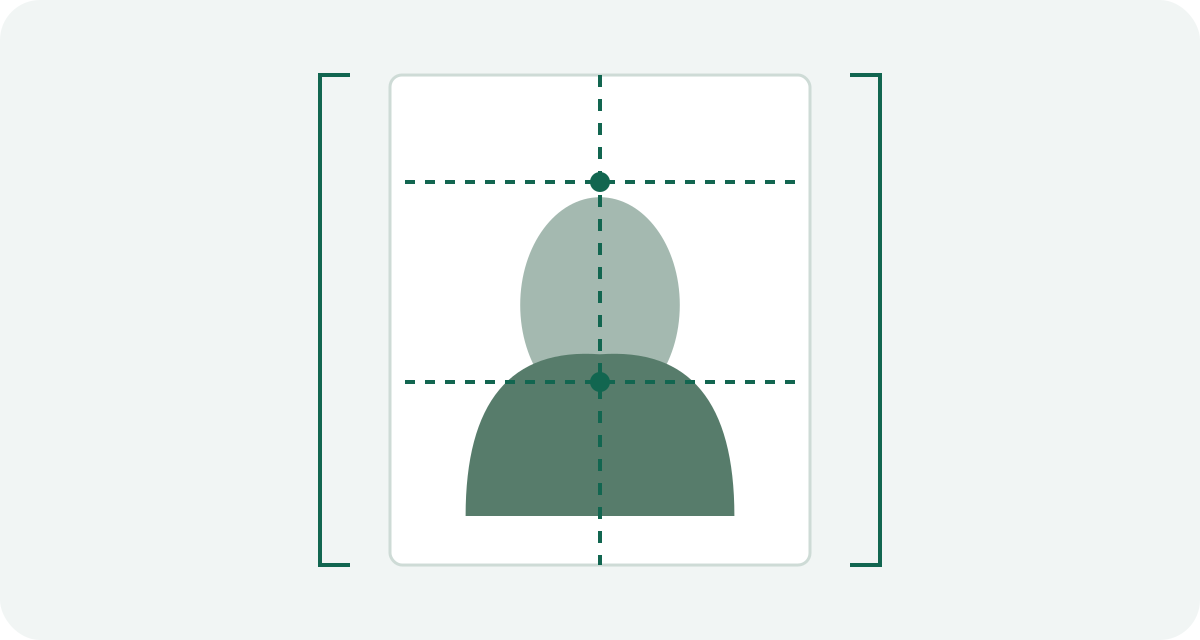
Immigration New Zealand’s main photo page currently lists a portrait JPG or JPEG with a 3:4 aspect ratio and a file size from 512 KB to 3.14 MB. Its upload-error page still shows different limits. Check the instructions in your actual application before relying on an older export recipe.
Write down which instruction you are following
The main page and error page do not currently give identical technical ranges. The error page lists 500 KB to 3 MB and pixel dimensions from 900 × 1200 to 2250 × 3000. Do not silently combine those values with the main page's newer byte limits and call the result a single official specification.
Record the application route, the photo page consulted, the date and the fields shown in the portal. If the portal differs from the main guidance, ask Immigration New Zealand or the receiving office which instruction applies. A cached article cannot settle a route-specific contradiction.
Pixel ratio is not file size
A 900 × 1200 image is 3:4 by arithmetic. That fact alone says nothing about its JPEG bytes or whether those pixel dimensions are required in your current route. A large file can have the wrong shape; a correctly shaped file can still be too small.
Start from a suitable original, crop without stretching the face and export a separate JPEG. Inspect the saved dimensions and bytes. Do not pad a poor image with unnecessary metadata merely to clear a minimum file size.
Retake an unsuitable capture before exporting
The main guidance restricts digital alterations, including filters and AI enhancement. A brightness or sharpness adjustment that you might use for a holiday photo is not a reliable visa-photo remedy under that guidance.
Fix light and camera positioning while taking the picture. Keep the original untouched. If the face is soft, obscured or poorly lit, take another photograph instead of restoring it with an app.
The selfie exception has a specific scope
The main guidance allows a selfie when applying through the NZeTA mobile app. Do not transfer that exception to every online visa route. Identify whether you are preparing a visa photograph or using the NZeTA app before choosing the capture method.
A saved image from a passport page is also a different object from a fresh application photograph. File conversion cannot change that distinction.
A useful upload troubleshooting record
- Application route and the photo requirement shown there.
- The untouched original and the separately saved export.
- Format, width, height and exact file bytes.
- The portal's error wording and whether it concerns technical properties or photograph quality.
Change one relevant property at a time. Stop compressing when the error concerns image quality or composition. Visa Photo Prep has no dedicated New Zealand preset, and its U.S. square export is not a substitute for this portrait workflow.
Official sources and preparation notes
- Immigration New Zealand: acceptable visa and NZeTA photos
- Immigration New Zealand: photo upload errors
Sources checked October 3, 2026. Prepared by Visa Photo Prep with AI assistance for research and drafting. Calculations and checklists are preparation aids; the receiving authority decides whether a photograph is acceptable. Check the current instructions for your application before submission.
Use the current instructions for your application route; the receiving authority decides whether a photograph is acceptable.
How we distinguish official rules from tool settings · Report a correction