PHOTO PREPARATION
Visa photo preparation. Start with your application.
The language you read and the country you apply to are different choices. Check your receiving office before selecting a photo size.
Open the crop toolThe crop tool and detailed destination guides are currently in English. Your photo is processed on your device.
One photo. A clear preparation process.
Choose the application
Find the instructions for your document and receiving office. A passport photo is not automatically a visa photo. If there is no matching preset, use that office’s instructions.
Start with the original
Use an original photograph with a plain background and even lighting. Keep the full head visible. Do not use face filters or reconstruct missing features.
Choose the right file
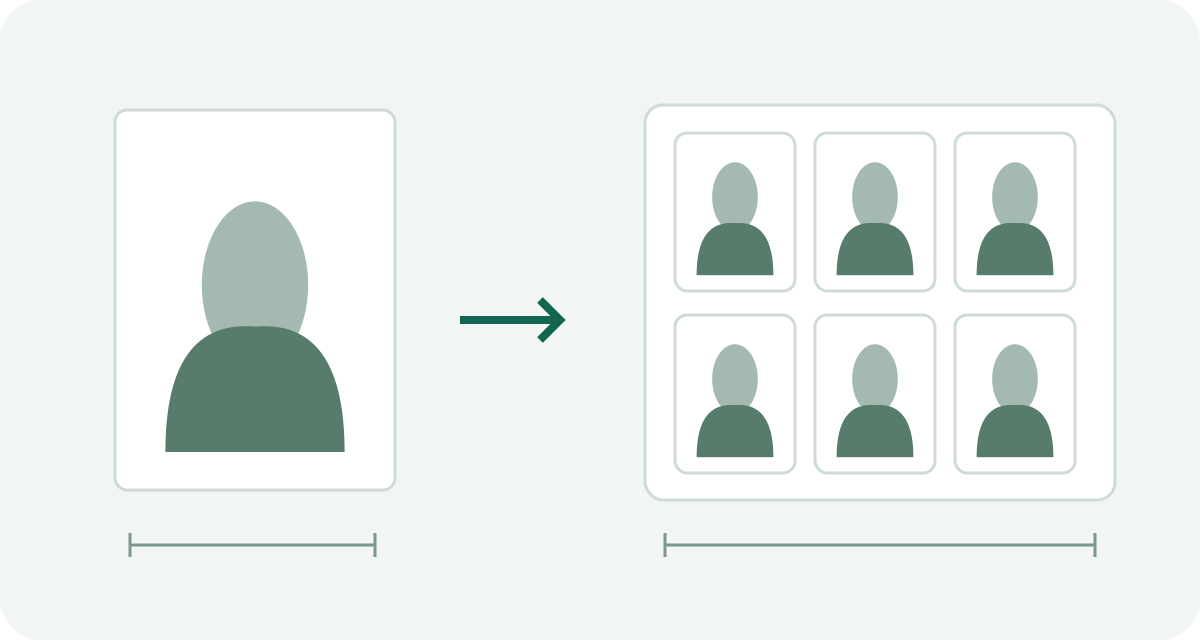
An upload normally needs one portrait, not a page of repeated photos. Check format, pixel dimensions and file size separately. Renaming a file does not convert it.
Measure the print
A print sheet contains several copies. Print at actual size, turn off fit-to-page and borderless enlargement, then check a finished photo with a ruler.
A preset has a specific scope.
The tool offers selected U.S., UK, German-mission, Japanese-mission and Chinese paper-photo presets. It does not cover every office or every online application. Official instructions decide which one applies.
Check the receiving authority
Do I need a new photo for every trip?
A trip does not by itself create a new photo requirement. First find out whether you need an application at all. If a form requests a photo, follow that form’s current instructions, including photo age.
Visa Photo Prep helps with file preparation. It does not issue documents or certify acceptance.